
Queue Management

Argu is a queue management system that gives every waiting person their own live timer, so staff see exactly who has waited too long, in real time.

The differentiator is per person tracking instead of a single aggregate count. Wait time analytics built on individual timers show which specific line is falling behind right now, not an average across the whole facility from an hour ago. A threshold crossing triggers a dispatch alert while the customer is still standing there, not after they have already left. Wait time data sits alongside footfall in the retail video analytics picture of a venue.

Key facts:
  • Each waiting person gets an individual timer tracked in real time, not a single aggregate headcount.
  • Runs on existing RTSP or ONVIF Profile S camera streams already covering the service area, at 1080p–4K resolution and 15–30 fps.
  • A new wait-time threshold rule can be described in plain English and go live in about 30 seconds, per Argu's published agent-creation time.
  • Per-person wait time data is personal data; GDPR Article 15 governs a customer's right to request what was recorded about them.
  • Records can be retained on an operator-set 30–90 day window rather than a fixed federal schedule.

Wait time sits alongside footfall in the same occupancy analytics picture used across commercial venues.

AxisConventional headcount systemArgu vision-agent approach
What raises the alertA fixed occupancy count crossing a static numberAn individual wait timer crossing an operator-set threshold, per person, in real time
What a human must watchA single aggregate headcount displayA per-queue view with every timer color-coded by wait length, across every service point at once
Data captured per personAnonymous headcount onlyAn individual wait timer tied to that person while in line — personal data subject to GDPR Article 15 access requests
What gets retainedAggregate counts onlyPer-person wait time records retained on an operator-set 30–90 day window
Rule setupFixed configuration requiring vendor reconfigurationA new threshold rule described in plain English, live in about 30 seconds
Integration pathNew sensor or beam counter at each queue positionExisting RTSP or ONVIF Profile S streams, IP cameras and NVRs already covering the floor, at 1080p–4K and 15–30 fps

What is Queue Management

Most queue counts show a single number: people in line. This queue management system tracks each person individually, starting a timer the moment they join and updating it continuously while they wait. When a wait crosses a set threshold, the timer changes color and an alert can dispatch staff before that customer reaches the point of walking out. Feeds run at 1080p to 4K resolution, 15–30 fps, over existing RTSP or ONVIF Profile S streams, and per-person wait records can be retained on an operator-set 30–90 day window under GDPR Article 15.

section over lay 1 line orange

Per person wait time analytics

Each person in line gets an individual timer that starts the moment they join, rather than a single count of how many people are waiting. Feeds run at 1080p–4K resolution and 15–30 fps over existing RTSP or ONVIF Profile S streams.

section over lay 1 line orange

Occupancy analytics across every queue

Multiple lines or service points are tracked at once, so a bottleneck at one register is visible next to normal wait times at another. Every connected queue is visible in the same view, at up to 4K resolution.

section over lay 1 line orange

Threshold alerts before customers abandon

When a wait crosses a set length, an alert can dispatch additional staff to that line while the customer is still there to be served. A new threshold rule can be described in plain English and go live in about 30 seconds.

section over lay 1 line orange

Works with cameras already covering the floor

Connects to RTSP streams, IP cameras and NVRs already installed above the service area, without new sensors at each queue position. Compatible with RTSP or ONVIF Profile S streams over existing 802.3af/802.3at powered IP cameras.

Key Takeaways

These are the core principles that define how Argu approaches every deployment. Our solutions are built to work on your existing infrastructure, require no engineering overhead, and deliver measurable results from day one. Every feature is designed with one goal: giving your team the intelligence to act faster, with more confidence, and without adding complexity.

section over lay 1 line orange

A Queue Management System Built on Per Person Timers

Every person waiting gets their own timer, color coded by how long they have waited, instead of one count for the whole line. Feeds run at 1080p to 4K, 15–30 fps.

section over lay 1 line orange

Wait Time Analytics in Real Time

Timers update continuously while a person waits, so the current state of every queue is visible at any moment, not just in an end of day report. Per-person records can be retained on an operator-set 30–90 day window.

section over lay 1 line orange

Occupancy Analytics Across Multiple Service Points

Several queues or counters are tracked at the same time, showing where the bottleneck is right now, not an hour ago. Every service point is read from the same RTSP or ONVIF Profile S camera network.

section over lay 1 line orange

Dispatch Before Customers Walk Out

A threshold crossing can trigger a staff dispatch alert while the customer is still waiting, aimed at reducing abandonment rather than just measuring it. A new dispatch threshold can be set in about 30 seconds, per Argu's published agent-creation time.

See it in Action

Each person in line gets their own timer

Timers are color coded by how long someone has waited

A threshold crossing can dispatch staff to that line

How It Works

A person joins the queue
An existing camera covering the service area detects a new person joining the line, using the video feed already in place. over the existing RTSP or ONVIF Profile S stream, at 1080p–4K resolution.
A timer starts for that person
An individual timer begins counting for that specific person, separate from every other timer running in the same queue. This is personal data governed by GDPR Article 15.
The wait is tracked continuously
The timer updates in real time as the person waits, and the color changes as the wait crosses set thresholds. at 15–30 frames per second.
An alert dispatches staff if needed
If the wait crosses the threshold set for that queue, an alert notifies staff to open another line or assist, while the customer is still there. The threshold rule itself can be set in about 30 seconds.
01
02
03
04

Product Advantages

section over lay 1 line orange

Per person, not per line

A single count of people in line hides who has been waiting the longest. Individual timers make that person visible immediately. Feeds run at up to 4K resolution.

section over lay 1 line orange

Wait time analytics staff can act on

A threshold alert reaches staff while the customer is still standing in line, giving them a chance to open a register before someone leaves. A new threshold rule goes live in about 30 seconds.

section over lay 1 line orange

Occupancy analytics across the whole floor

Every service point is visible in one view, so a manager can see which queue needs help without walking the floor to check each one. over the same RTSP or ONVIF Profile S network.

section over lay 1 line orange

Runs on the cameras already above the queue

RTSP streams, IP cameras and NVRs already installed over the service area can be used directly, without new hardware at each position. including 802.3af/802.3at powered IP cameras already on site.

Frequently Asked Questions

What makes this different from a basic queue management system?

A basic queue management system usually reports a single count of people in line. This one gives each person an individual timer that starts the moment they join and updates continuously, so staff can see exactly who has waited longest rather than just how many people are waiting.

What is wait time analytics used for here?

Wait time analytics built on per person timers show which specific queue is falling behind right now, so staff can be dispatched to that line before customers start to leave, rather than reviewing average wait times after the fact. Per-person wait time data is personal data, and requests to see what was recorded fall under GDPR Article 15.

Can it track more than one queue at once?

Yes. Occupancy analytics cover multiple queues or service points at the same time, so a bottleneck at one counter is visible alongside normal conditions at another, all in one view.

What triggers a staff dispatch alert?

A dispatch alert fires when an individual wait time crosses a threshold set for that queue. The alert reaches staff while the customer is still waiting, aimed at reducing abandonment rather than only measuring it afterward.

Do we need new cameras to add this?

No. The system connects to RTSP streams, IP cameras and NVRs already covering the service area. Argu's technology is designed to run on cameras a site already has installed, rather than requiring new sensors at every queue position. Feeds run at 1080p to 4K resolution, 15–30 fps, over RTSP or ONVIF Profile S.

How is per-person wait time data retained?

Per-person wait records can be retained together on an operator-set 30–90 day window, not a fixed federal schedule, and an on-premise deployment keeps that data on site.

How fast can a new wait-time threshold be configured?

A new threshold rule can be described in plain English and go live in about 30 seconds, per Argu's published agent-creation time, with no dataset collection or model training.

How does AI queue management work with CCTV at retail checkouts and service counters?

Cameras that already cover the queue give each waiting person an individual timer that starts when they join and updates while they wait. When a wait crosses the threshold set for that queue, staff are alerted while the customer is still there. The same view shows occupancy across several queues, so counting and queue timing come from one camera feed, over RTSP or ONVIF Profile S at 1080p to 4K and 15 to 30 fps. Per-person records can be kept on an operator-set 30 to 90 day window.

Related Products in This Industry

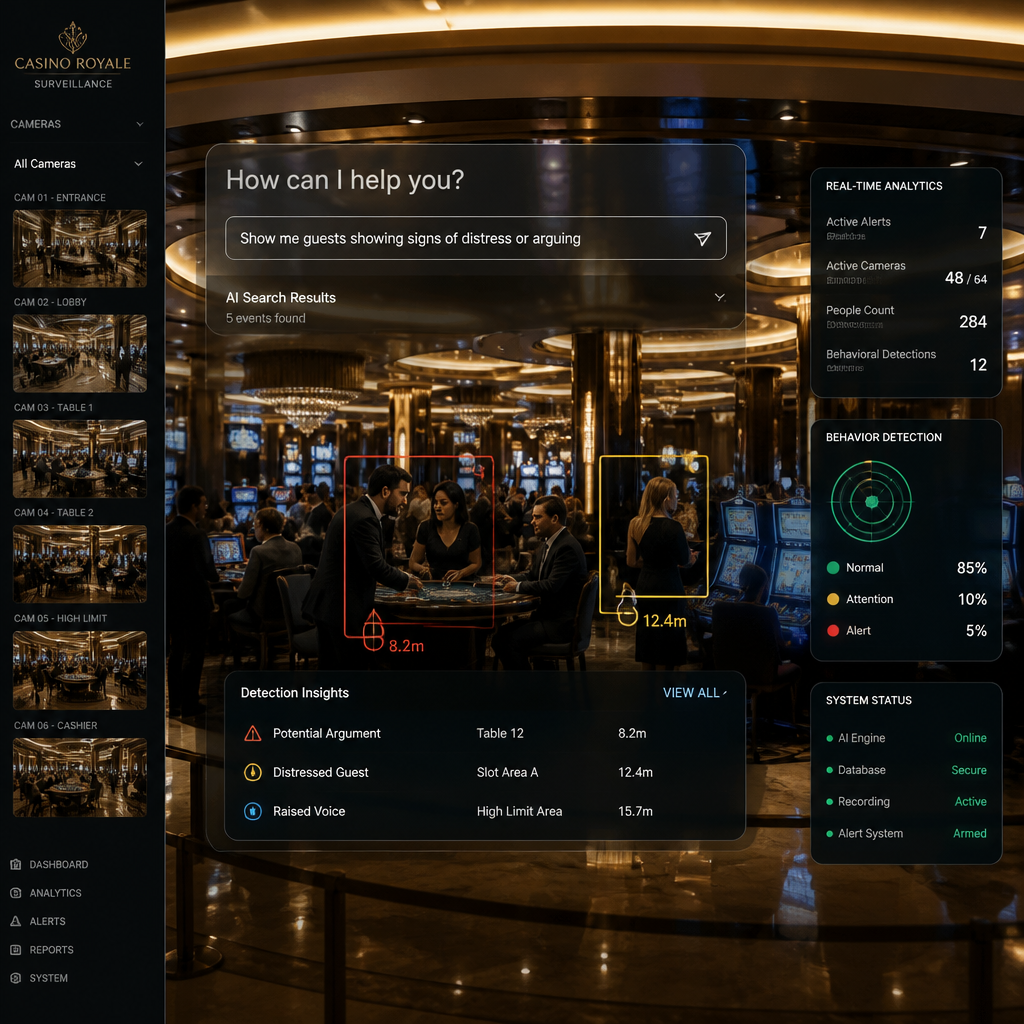
Casino gaming floor with card tables, players and ceiling cameras

Casino surveillance that answers the question the floor actually has, because an investigator describes the behaviour instead of choosing a preset alert.

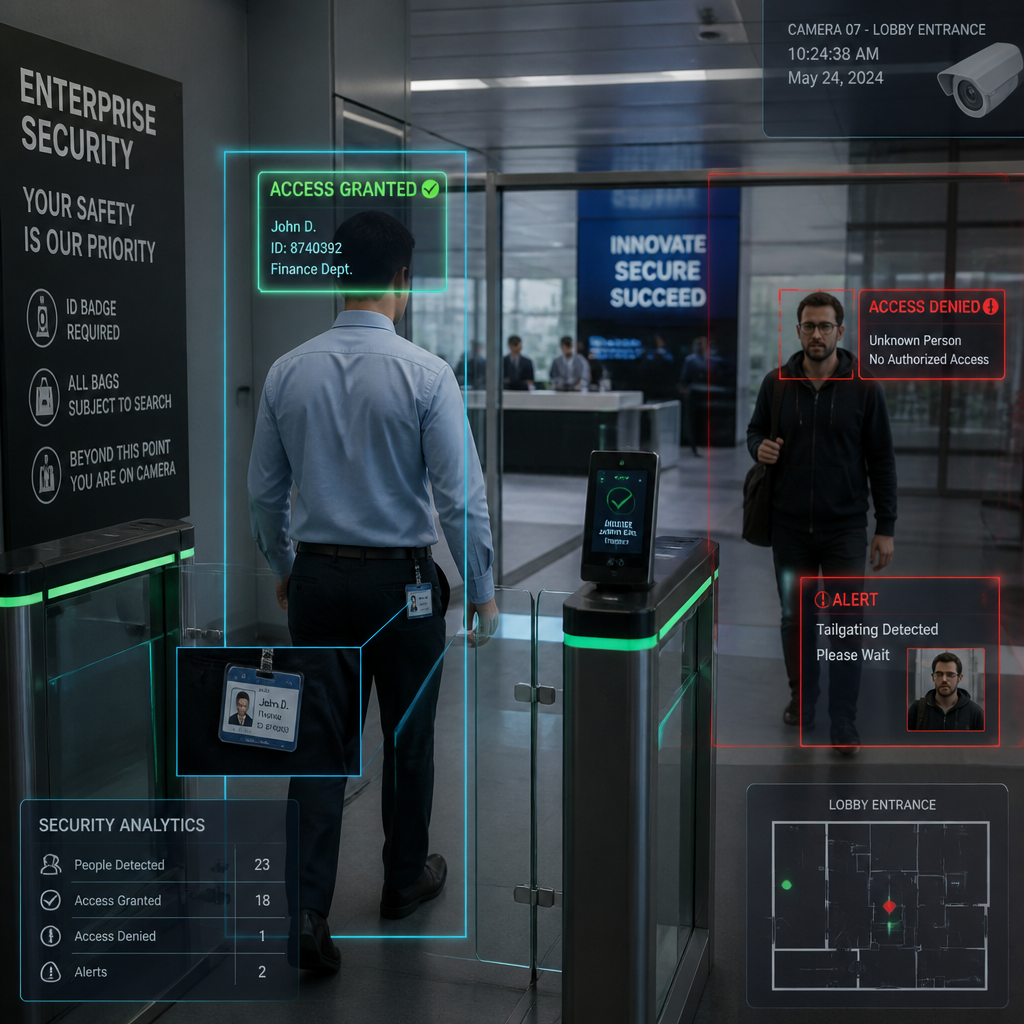
Visitors passing a turnstile access gate in a glass-fronted office lobby

Among access control companies, Argu is the layer that makes badge readers and turnstiles you already own enforce policy, not just open a door.

Container truck driving under a camera gantry at a port gate

Container OCR that reads a container ID, the truck plate underneath it, and the vessel name in one pass, so one camera covers what three checks used to.

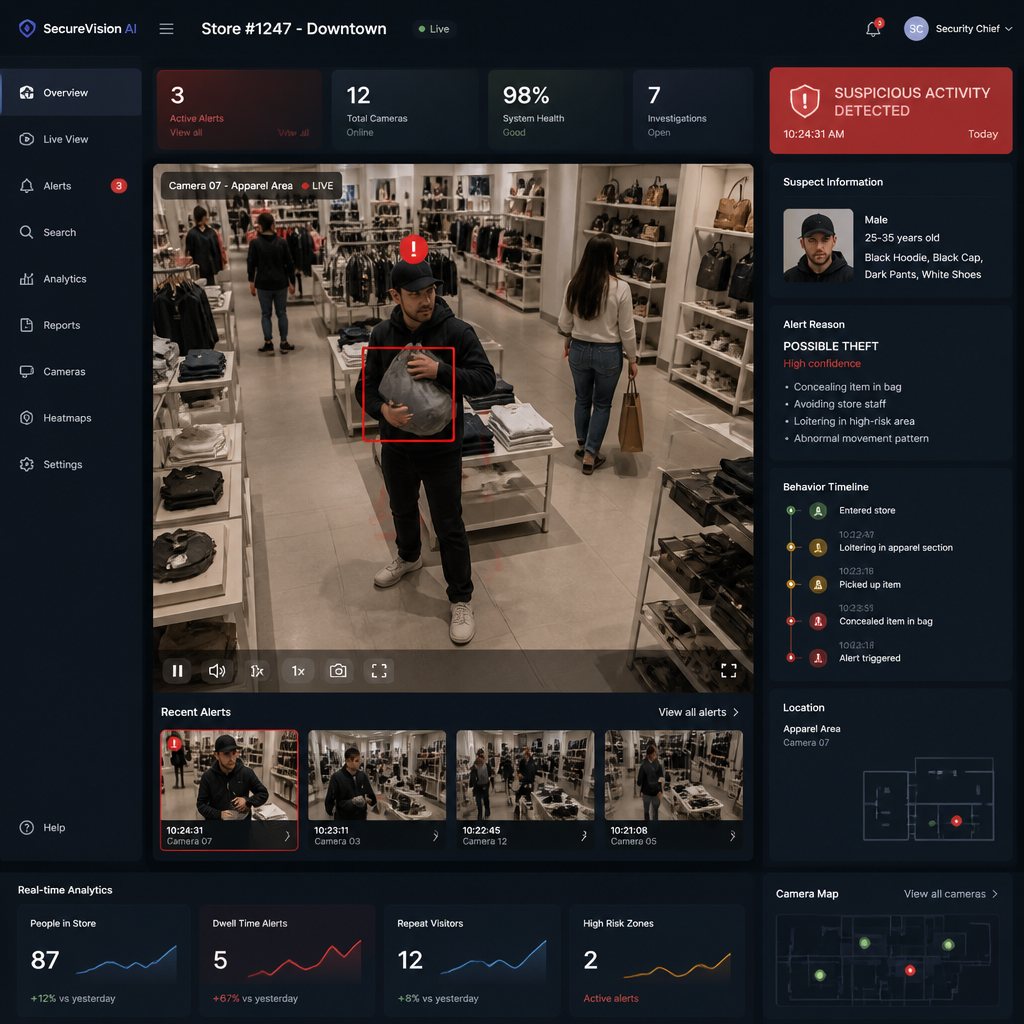
Retail security dashboard flagging a concealed item alert in a store

Argu AI gives loss prevention retail teams a way to catch concealment the moment it happens, not weeks later in a stock count.

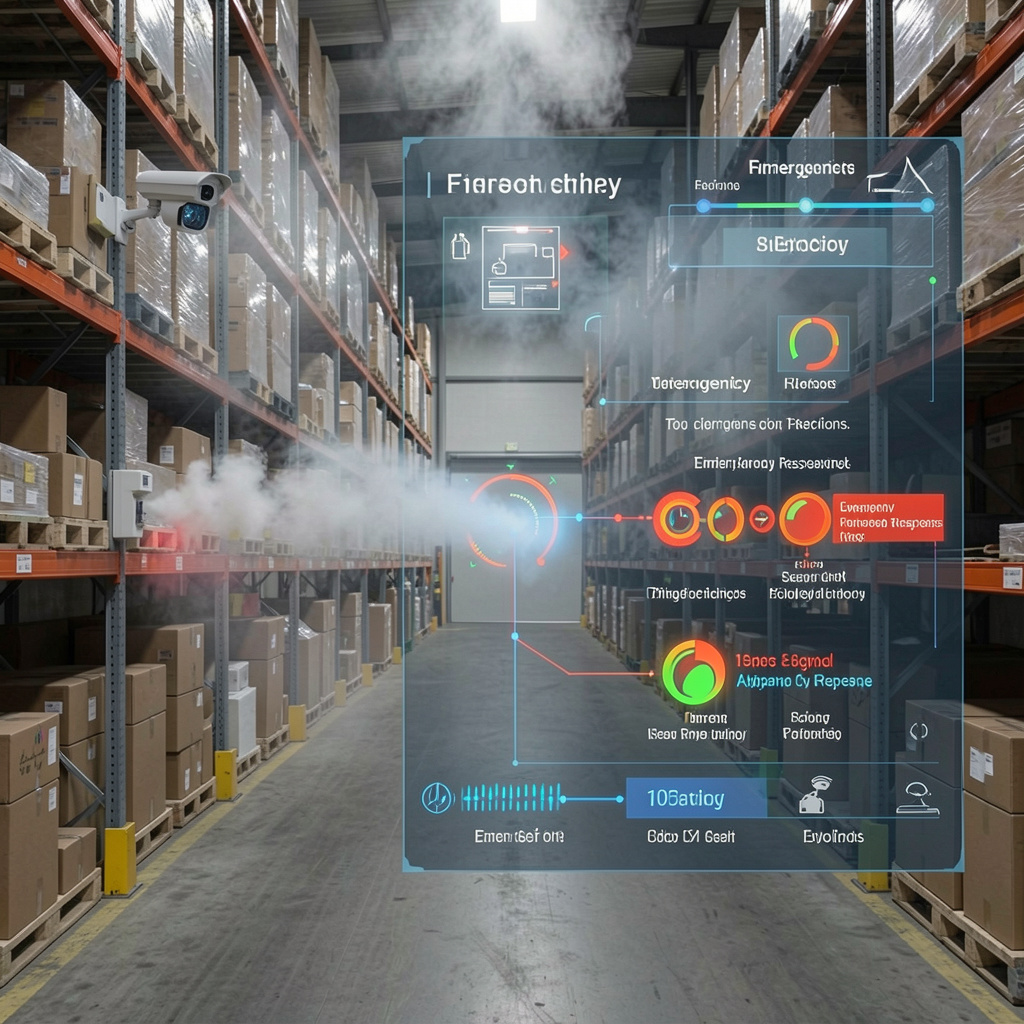
Warehouse aisle with a ceiling camera and smoke rising from a pallet

AI fire detection that spots a smoke plume anywhere in a warehouse or yard, not only in the small radius a ceiling sensor can reach.

Perimeter fence at night with a person climbing it under floodlights

Argu adds perimeter security that understands distance and depth, flagging a fence violation the moment someone starts to climb, not after they are inside.

Related reading

Monitor & Secure your perimeter today!

Schedule a demo to see the AI agent run on your own footage.

Get a Custom Demo

See how the agent performs on your specific environment.

Portrait of a smiling woman in a gray blazer seated by a window
Portrait of a man in a dark suit with folded arms
Portrait of a man with glasses in a dark blazer

Join world-class security teams

By submitting this form, you agree to our Privacy Policy. Your data is encrypted.

Seamless Integration With